ID : 72469
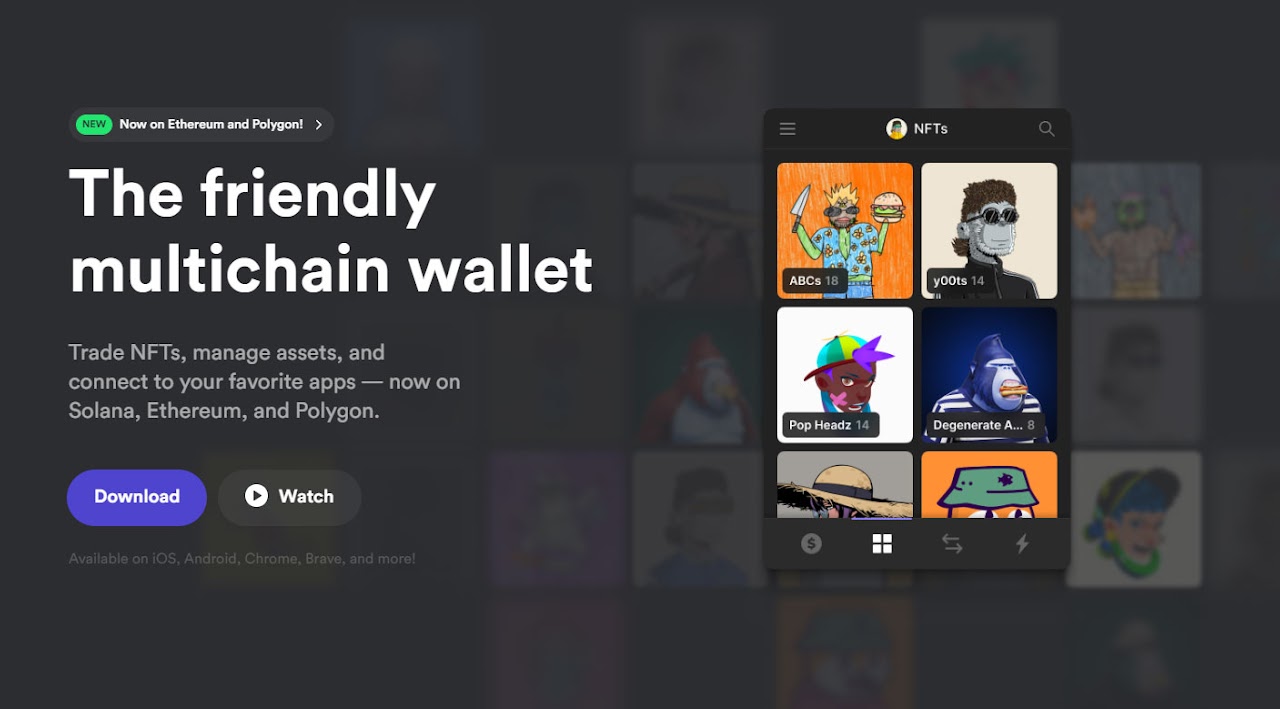
With the Phantom Wallet extension or app, setting up a new wallet is quite simple. You may quickly access all of its capabilities by following the simple instructions underneath:
To begin, you should launch the Phantom Wallet Extension or mobile app on your desired device.
Locate the “Create Wallet” button on the homepage and hit it. Additionally, by selecting the I have a Wallet option and entering the recovery phrase, you can import your existing digital currency wallet.
On the next page, You must create and verify a strong password for the safety purpose of your wallet. Tap the “Continue” tab.
The only way to get your wallet back is to save your secret Mnemonic Phrase somewhere safe. Remember the Phantom team never asks for your recovery phrase because it is a self-custodial wallet.
Next, press the Continue button.
A few keyboard shortcuts to open the Phantom application will show up on the next screen. Press the Next button.
That’s all; your wallet is now ready to transact, swaps, and SOL staking.